Skip to content
StoryFuze
One workspace. Three studios.

Make the video, design the post, ship it everywhere.

StoryFuze puts video editing, creative design and multi-channel publishing in the same workspace — so a finished idea never waits on a second tool.

Free plan included. No credit card required.

A creator's desk with cameras, lenses and editing monitors — the kind of footage StoryFuze turns into finished posts.
What you get

Three studios, one project

Video

Video Studio

Import footage, cut it down, add captions that actually track the speech, and export in the aspect ratio each channel wants. One timeline, no round-trip through a second editor.

  • Auto captions
  • 9:16 / 1:1 / 16:9
  • One-click reformat
Close-up of a video editing timeline, coloured clips lined up on dark tracks.
Creative

Creative Studio

Build thumbnails, covers and static posts on the same brand system as your video — the fonts, colours and logo are already loaded, so nothing drifts between formats.

  • Brand kit locked in
  • Thumbnails and covers
A designer's desk with colour swatches, a drawing tablet and a laptop open to a design canvas.
Publishing

Publishing Hub

Connect your channels once, then schedule or push a finished asset to all of them from a single screen, with per-channel copy and a queue you can reorder.

  • Per-channel captions
  • Scheduled queue
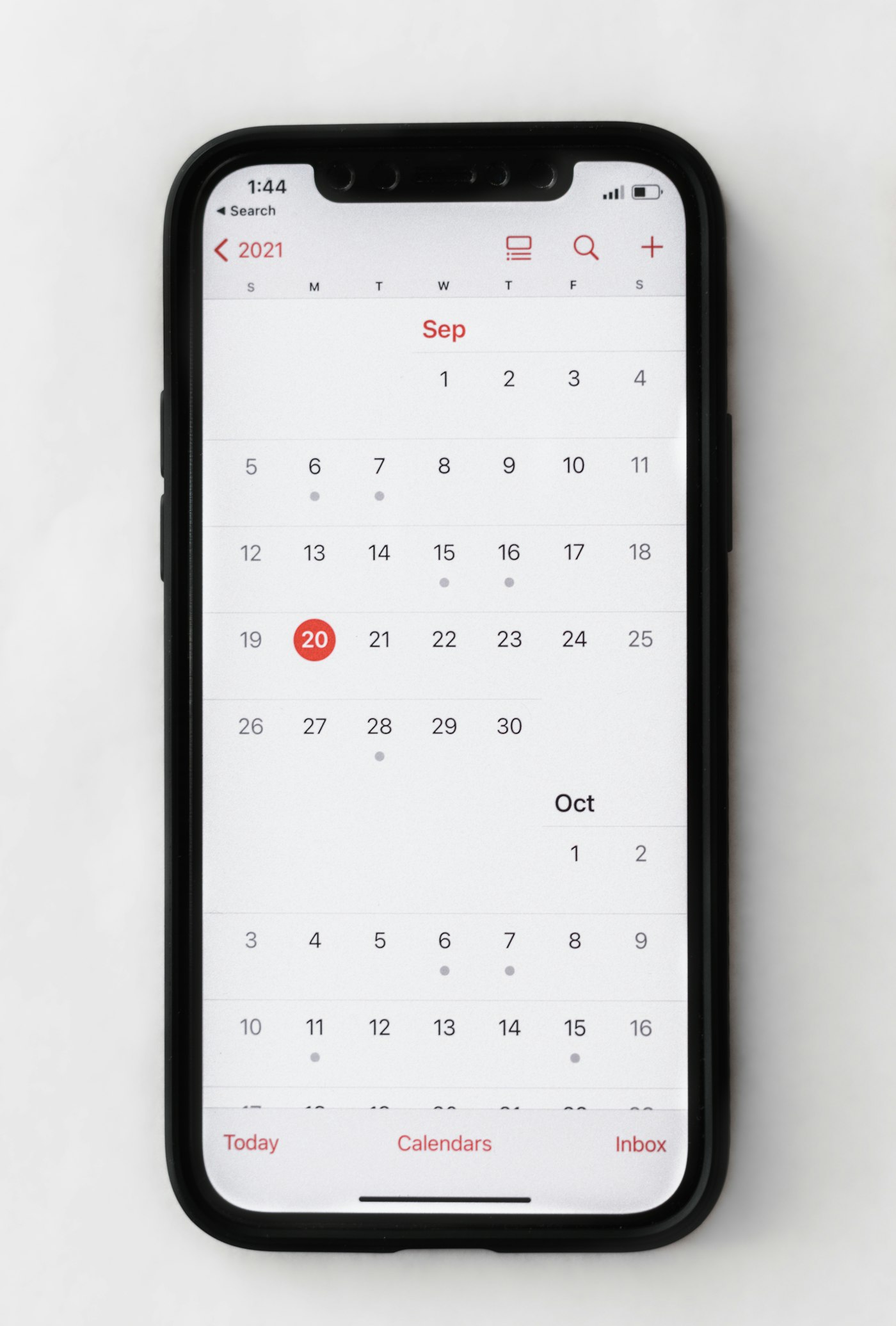
A phone lying flat showing a monthly calendar — the kind of view a scheduled posting queue lives in.
The flow

From raw file to published post

Four steps, one tab.

01

Bring in your footage

Drag in a recording, a screen capture or an existing export. StoryFuze reads the audio and builds a transcript you can edit like text.

02

Cut and caption

Trim by editing the transcript, drop in captions styled to your brand, and let the timeline handle the reframing for vertical.

03

Design the assets

Generate the thumbnail, the cover and the static variants from the same project, so the campaign looks like one piece of work.

04

Publish or schedule

Pick the channels, adjust the copy per channel, and send it now or park it in the queue.

Built for every channel you publish to
Instagram Reels TikTok YouTube Shorts LinkedIn Facebook

What changes when the tools share one project

Delete a sentence in the transcript and the footage goes with it. The vertical reframe and the captions follow the same cut, so there is nothing to redo per format.

Video Studio

The thumbnail and the cover start from the project that already holds your fonts, colours and logo. No file hunting, no font mistakes to review.

Creative Studio

Connect each channel once. Every export after that is one screen away from a queue you can reorder, with copy adjusted per channel.

Publishing Hub

Pricing

Start free. Move up when the volume does.

Basic

For one person publishing every week.

$9.75 /mo billed yearly

  • 1,800 AI credits / mo — up to 30 images or 22 seconds of AI video
  • 60 scheduled posts / mo
  • 2 GB storage
  • 1 brand profile
  • 1 seat
Start with Basic

Business

High volume, more seats, support that answers first.

$51.33 /mo billed yearly

  • 9,000 AI credits / mo — up to 150 images or 112 seconds of AI video
  • 600 scheduled posts / mo
  • 50 GB storage
  • Magic edit
  • Video publishing
  • 10 seats
  • Priority support
Start with Business

AI credits / month

One AI credit balance per account, renewed every month. Each AI action costs a fixed number of credits, the same everywhere in the platform.

Free
200
AI credits / month
up to 3 images or 2 seconds of AI video
Basic
1,800
AI credits / month
up to 30 images or 22 seconds of AI video
Pro
4,500
AI credits / month
up to 75 images or 56 seconds of AI video
Business
9,000
AI credits / month
up to 150 images or 112 seconds of AI video

What each action costs

Action Credits Examples
Quick text 1 / action Text improvement, captions, alt-text, field suggestions
Message / standard text 3 / message Specialist chat, AI advisors, brand and marketing chat
Document / long generation 12 / document Documents, invoice extraction, site pages, scripts
Complex analysis 30 / analysis Brand book, campaign and social plans, in-depth analysis
AI image 60 / image Image generation and editing, video covers, campaign slides
Image upscale 30 / image Clarity upscaler
AI video 80 / second Text or image to video, avatar, lip-sync
Video processing 15 / video Automatic editing, AI clips
Promo video (export) 20 / video Promo video export
AI voice 10 / minute Dubbing, promo voice-over, spoken translation
Transcription 1 / minute Video transcription, trend transcripts
Video segmentation 5 / second Object and background cut-out
Cloud audio cleanup 35 / minute Noise removal in the cloud
Video upscale 700 / minute Higher-resolution video

Need more? Top-up packs

Pack S
+2,000
$9
Pack M
+5,000
$19
Pack L
+12,000
$39
  • Top-up credits are a one-time purchase, valid for 12 months, and are spent after your monthly plan credits.
  • At 0 credits you can buy a credit pack; plan credits renew every month.

All plans are billed in USD. You can change or cancel your plan at any time from Settings → Subscription after you sign in.

Questions, answered

What exactly is StoryFuze?
StoryFuze is a single workspace for short-form content: a video editor, a creative design studio and a publishing hub that share the same project, the same brand kit and the same asset library.
Do I need editing experience to use it?
No. You edit the video by editing its transcript — delete a sentence and the footage goes with it. The advanced timeline is there when you want it, not before.
Which channels can I publish to?
You connect your channels once from the Publishing Hub, then push or schedule a finished asset to all of them at once, with different copy per channel. Available connections are listed inside your account.
Is there a free plan?
Yes. The Free plan includes 200 AI credits per month (up to 3 images or 2 seconds of AI video) with 500 MB of storage, and no card is required to start. You can upgrade to Basic, Pro or Business whenever the volume asks for it.
Can I cancel or change my plan later?
Any time, from Settings → Subscription. A downgrade takes effect at the end of the period you already paid for, and your files stay in place within the new storage limit.
Who owns the content I create?
You do. Everything you upload and everything you export stays yours; StoryFuze only processes it to provide the service, as described in the Privacy Policy.

Your next post is already half-made.

Import one file and take it all the way to published — today, on the free plan.

Register for Free

Free plan included. No credit card required.